
The clipping blog
Practical, honest guides for clippers and streamers: how to clip streams for TikTok, Shorts and Reels, how to find the moments worth posting, how captions and clip length affect views, and how clipping campaigns really pay.
New to all this? Start with the beginner's guide to clipping, then see how to use Clipper X.
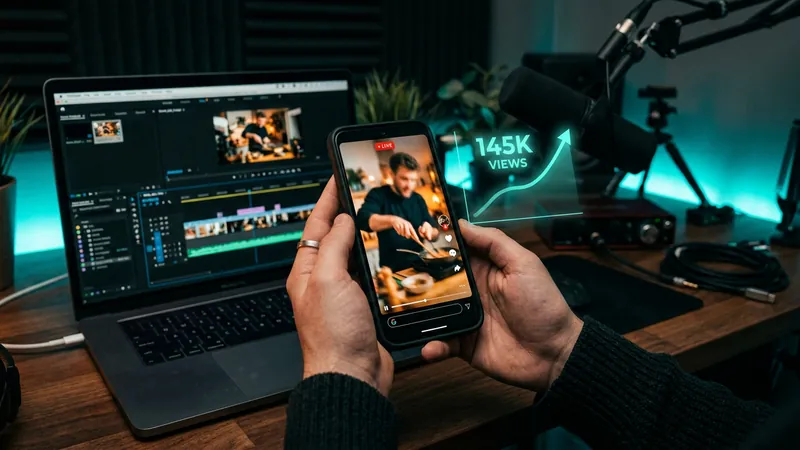 How to make money clipping: clipping campaigns explainedHow to make money clipping: how pay-per-view campaigns and direct deals pay, how to judge a campaign, a weekly routine, tax, disclosure and scams to avoid.
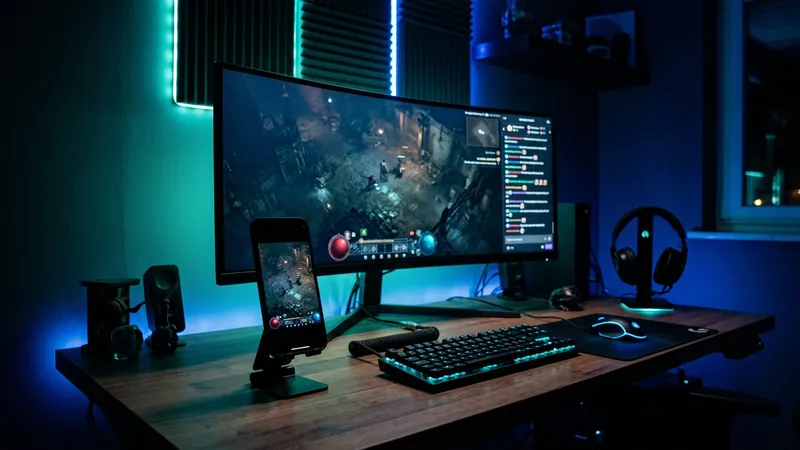 How to clip Twitch streams for TikTokHow to clip Twitch streams for TikTok: get permission, save the footage, find the moment, frame it for 9:16, add captions and post with credit.
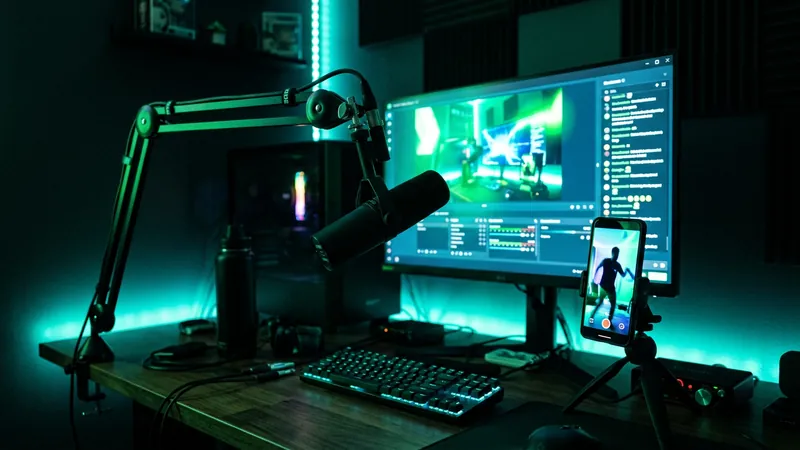 How to clip Kick streamsHow to clip Kick streams with the Clip button or C key, Kick's 10 to 180 second limit and cooldown, and how to turn clips into vertical TikToks and Shorts.
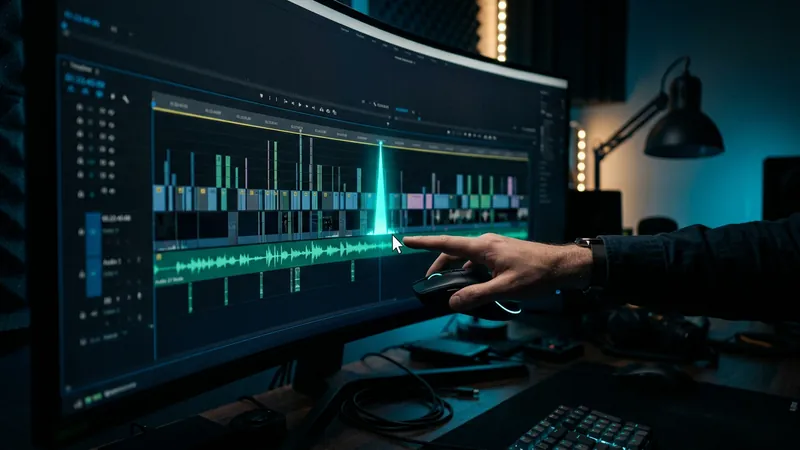 How to find viral moments in a long streamHow to find viral moments in a long stream fast: use chat spikes, loud reactions, replay graphs and transcripts, then pick clips that work for strangers.
 Best clip length for TikTok, YouTube Shorts and ReelsThe best clip length for TikTok, YouTube Shorts and Reels, with each platform's current limits and a simple way to trim gaming clips to the right length.
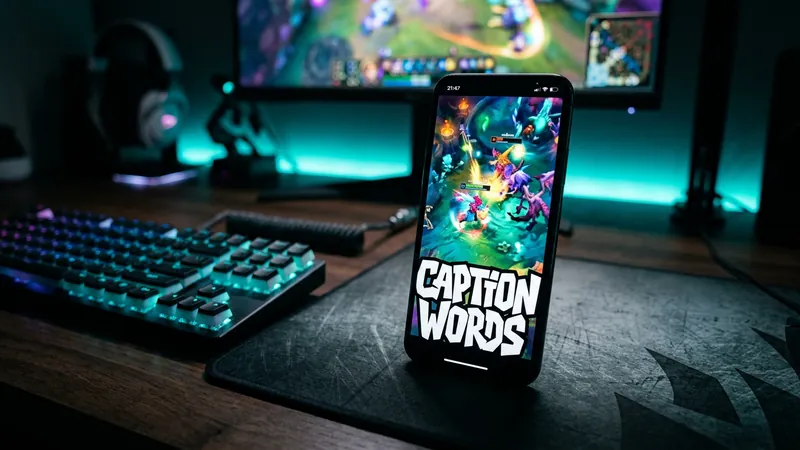 How to add captions to gaming clipsHow to add captions to gaming clips: generate a transcript, fix misheard names and game terms, and style bold captions that stay clear over busy gameplay.
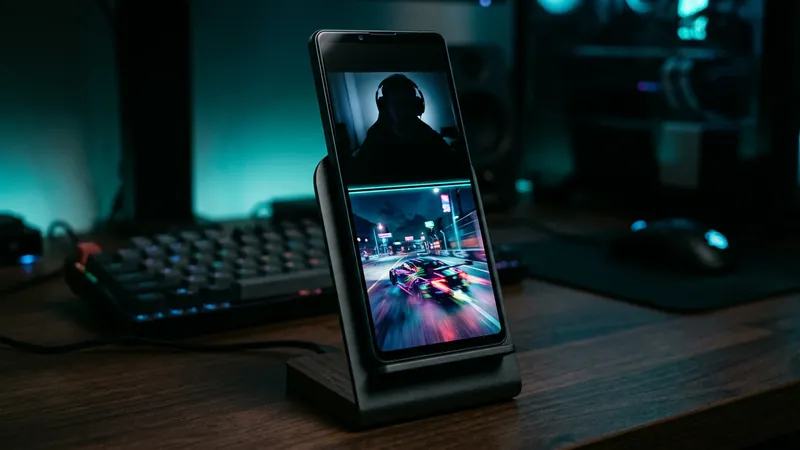 Face cam and gameplay split screen for vertical videosHow to stack a face cam over gameplay in a 9:16 vertical clip: exact split sizes for 1080 x 1920, framing tips, caption placement and common mistakes.
 Clipping without copyright strikes: rules every clipper should knowHow to clip streams without copyright strikes: claims vs strikes on YouTube, TikTok and Twitch, permission, music, myths and what to do if you get one.